
Message branding allows the following to be customized:
- Text on Patient Landing Pages
- Text on the Patient Share Emails (that link to the Landing Page)
- Text on patient text messages (that link to the Landing page)
Patient Landing Page Customization
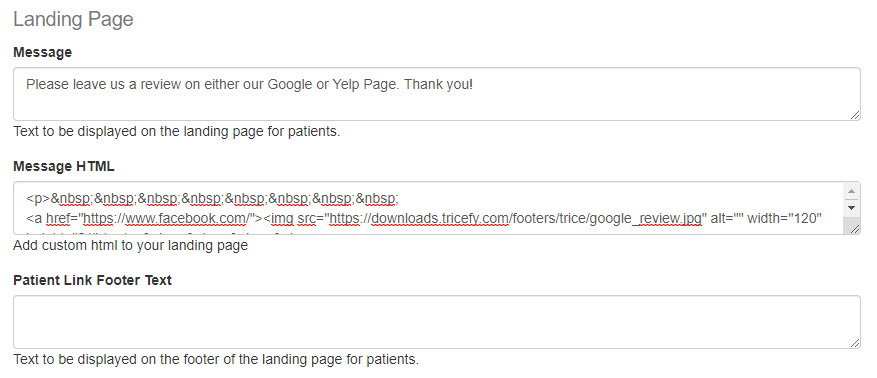
- Message: Text entered into this field will display at the top of every landing page:
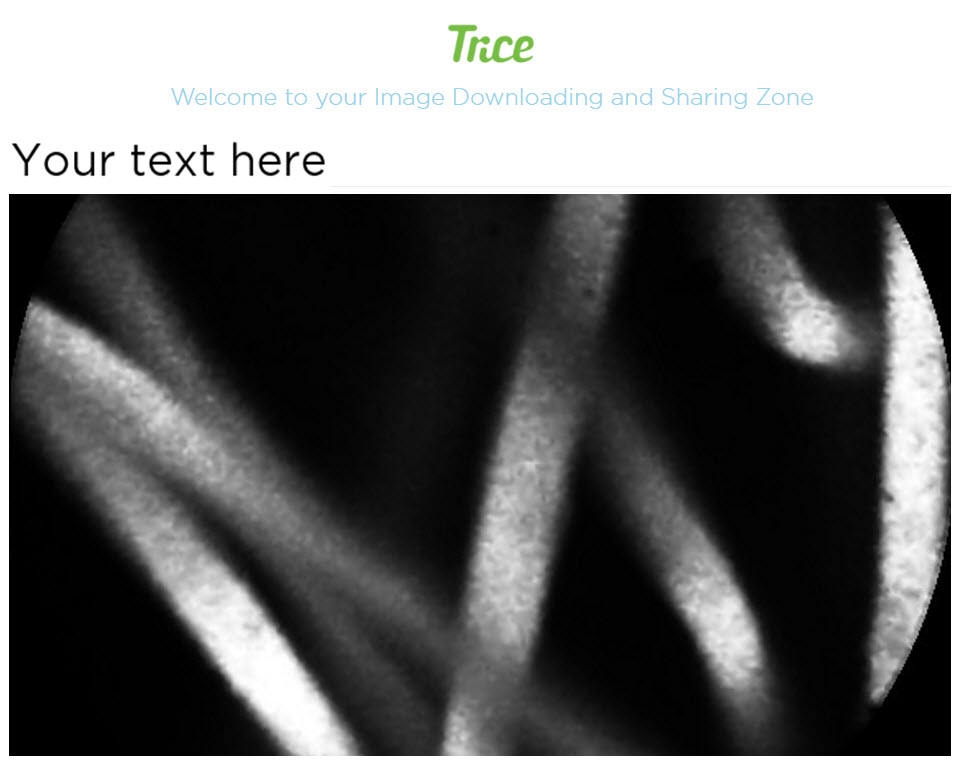
- Leaving the field blank will display the default welcome text.
- Leaving the field blank will display the default welcome text.
- Message HTML: Allows you to customize your message text (entered above) using HTML
- Patient Link Footer: Text entered into this field will display at the bottom of every landing page
- Use the following HTML code for example to link to a web page
Format:
<a href="[insert_full_URL_here]" target="_blank">[hyperlink_text_here]</a>
Example:
<a href="https://www.example.com" target="_blank">Please take a moment to review your service by clicking this link.</a>
Patient Link Email
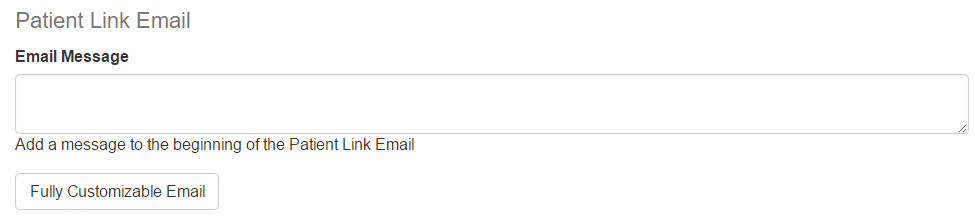
- Email Message: Text entered into this field will display in patient emails above the instructions:

- Fully Customizable Email: Selecting this option displays a second window for creating a fully customized email using HTML:

- Type :url: to designate the placement of the patient's link to their landing page
- Type :delete_code: to designate the placement of delete code (when applicable)
SMS Customization

Text entered into the SMS message box will replace the default text message when sending patient links via SMS. Leave this field blank to keep the default message.
- Type :url: to designate the placement of the patient's link to their landing page
- Type :delete_code: to designate the placement of delete code (when applicable)
Please be aware that some regions require companies to register text messages to avoid spam filtering. Deviating from the SMS template in these regions may result in delivery issues. Currently, these regions include Norway, Finland, Indonesia, Thailand, India, UAE, Saudi Arabia, and Turkey.
Social Media Icons
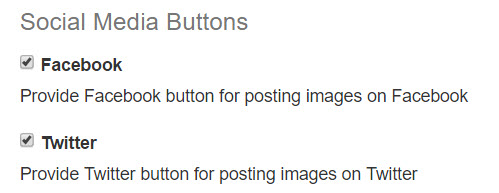
- Facebook: When this box is checked, a Facebook icon will be available on the top of all landing pages
- Twitter: When this box is checked, a Twitter icon will be available on the top of all landing pages
- Uncheck the boxes to remove these icons
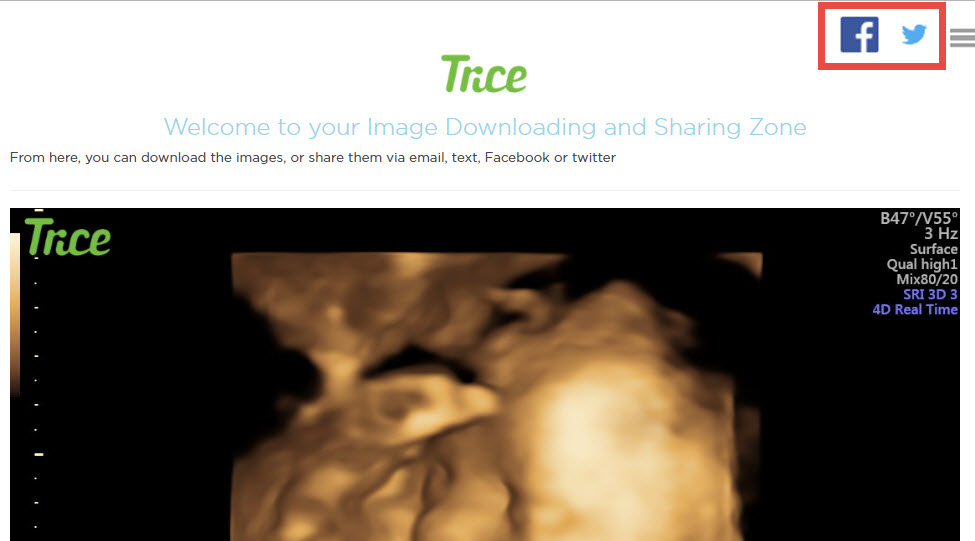
Please note that when the patient link expires, the link posted on Facebook or Twitter will no longer be active as well.
 Copyright ©